


Structured 4.4.9 for Mac Free Download
Structured 4.4.9 for Mac is a visual day planner designed around the time-blocking method. Most productivity apps only show long task lists. Structured shows your entire day as a visual timeline, making it easier to understand what to work on and when to do it. Every task appears as a scheduled block on your timeline, helping you stay organized throughout the day. You can also download MacGPT.
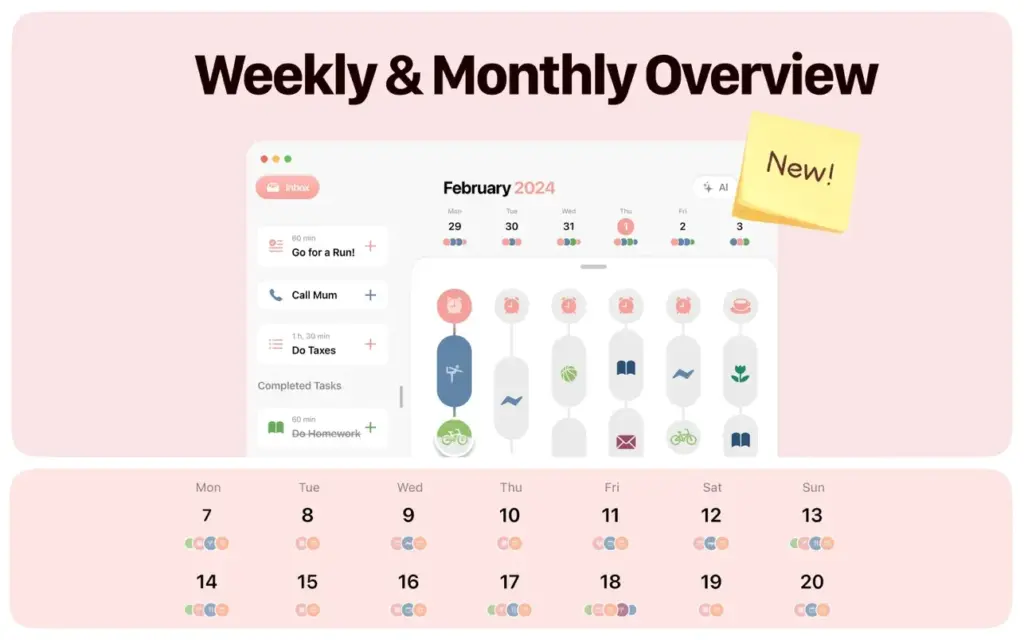
Structured for Mac Download
The core feature of Structured is its clean visual timeline interface. Your daily schedule appears as color-coded blocks that can be dragged, resized, and rearranged instantly. This layout makes it easy to spot free time, adjust schedules, and avoid overlapping tasks.
Structured integrates directly with Apple Calendar and Apple Reminders. Meetings from your calendar appear automatically inside the app, while reminders created through Siri sync directly into Structured’s inbox. This makes task capture fast and simple across the Apple ecosystem.
The Inbox feature is especially useful for users who want quick task capture without scheduling immediately. You can save ideas, reminders, or tasks into the inbox first and organize them later during planning sessions.
Structured for Mac Free Download
Structured Pro adds advanced features such as recurring tasks, AI-powered planning, and automatic rescheduling tools. Recurring routines help automate daily habits, while the Replan feature adjusts missed tasks automatically if your schedule changes during the day.
The app also supports cross-device synchronization across Mac, iPhone, iPad, Apple Watch, and Android devices. With its simple interface and Apple-focused workflow, Structured works well for students, professionals, and users who prefer visual planning instead of traditional task lists.
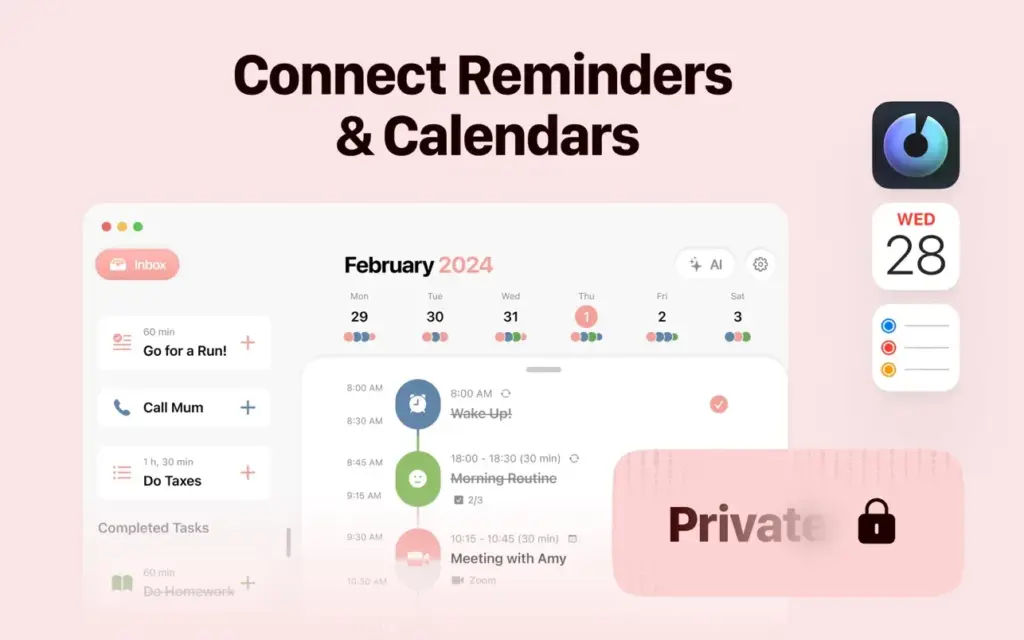
Features of Structured for Mac
- Visual drag-and-drop timeline planner for macOS
- Inbox sidebar for fast task capture without scheduling
- Color-coded task blocks with overlap detection
- Apple Calendar integration for automatic meeting imports
- Apple Reminders and Siri support for hands-free task creation
- Cross-device sync across Mac, iPhone, iPad, Apple Watch, and Android
- Structured Cloud sync and optional iCloud synchronization
- Recurring tasks for routines and habits
- Support for subtasks inside task blocks
- Notes section for additional task information
- AI-powered day planning for automatic schedule generation
- Replan feature for rescheduling missed tasks
- Built-in Pomodoro focus timer
- macOS widgets for quick schedule viewing
- Live Activities support for real-time task tracking
- More than 500 icons and custom color options in Structured Pro
- Multiple time zone support
- Available in over 30 languages
- Accessibility support including VoiceOver and dyslexia-friendly fonts
Technical Details
- Software Name: Structured — Daily Planner
- Software File Name: Structured-4.4.6.dmg
- Version: 4.9
- File Size: 75 MB
- File Extension: DMG
- License Type: Premium
- Developer: Leonard Mehlig
System Requirements
- Operating System: macOS Sonoma 14.0 or later
- Processor: Intel Core i5 or Apple Silicon (M1 / M2 / M3 / M4)
- RAM: 4 GB minimum, 8 GB recommended
- Free Storage Space: 150 MB available space
- Internet: Required for Structured Cloud sync and AI planning features
What Are the Best Alternatives to Structured for Mac?
Fantastical
A popular calendar and scheduling application with natural language input and advanced calendar management features.
Sunsama
A productivity planner focused on daily workflow management with integrations for tools like Notion, Slack, Jira, and Asana.
Motion
An AI-powered scheduling application that automatically organizes tasks based on deadlines and priorities.
Todoist
A traditional task management app with list-based organization and productivity tracking features.
Things 3
A clean and minimal task management application designed for macOS and iOS users.
Structured stands out because of its visual timeline interface, Apple ecosystem integration, and easy-to-use planning workflow designed specifically for macOS users.